Find the missing number in a proportion
Enter three known terms of a proportion to find the missing number as an exact fraction or a decimal.
Questa guida non è ancora disponibile in italiano. È mostrata la versione inglese completa.
A recipe uses 3 cups of flour for 8 servings. How many cups would make 12 servings? Put cups first and servings second on both sides of the proportion:
Here is the missing number of cups. In CalcES, use Ratio to enter the three known numbers and read .
Enter the proportion and find X
Below each step is the screen you should see after pressing.
Next to each step is the screen you should see after pressing.
-
Step 1
Open the mode menu and tap Ratio. On a first visit the form A:B = X:D is selected, every term reads , and A is the active box. The grey hint B can't be zero is normal until you enter B.Press: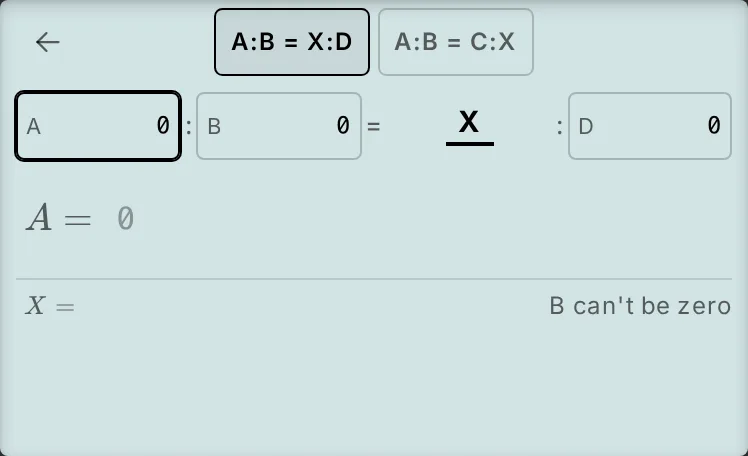
-
Step 2
Enter for A and press the equals key to confirm it and move on to B. Enter for B and press the equals key again, then enter for D. The answer updates to without another equals press.Press: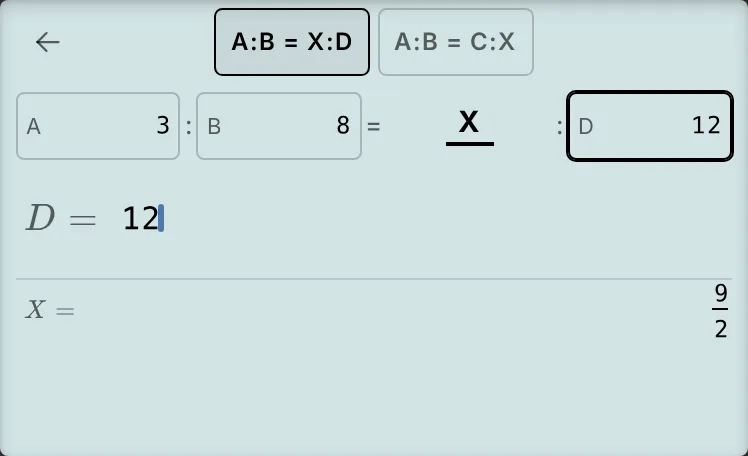
-
Step 3
Press the key shown to read as a decimal. Pressing it again returns to the fraction.Press: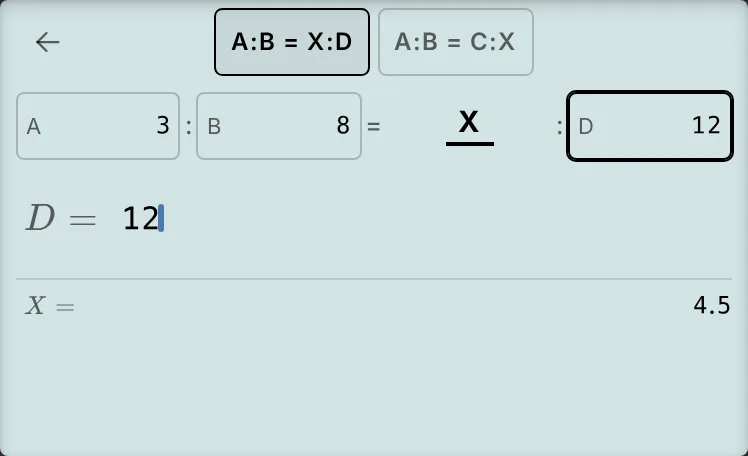
-
Step 4
Tap A:B = C:X at the top. The numbers stay, D becomes C, and the screen shows with . This now asks how many servings 12 cups would make.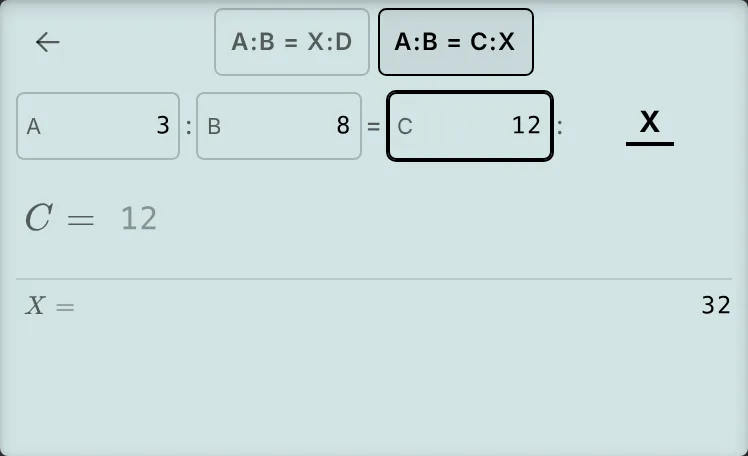
Read and check the answer
For the original question, the exact answer and its decimal mean the same amount:
Check by cross-multiplying: .
After switching forms, the known means cups instead of servings. The reverse question gives servings. Keep the units in the same order on both sides when setting up your own proportion.
If your screen looks different
- B can't be zero: in A:B = X:D, B is the divisor. All terms start at on a first visit, so this hint is expected until you enter B. For this example, tap B and enter . In A:B = C:X, the divisor is A; if it shows A can't be zero, tap A and enter .
- Old numbers or the other form appear: CalcES remembers the form and numbers when you leave Ratio or reload. Tap A:B = X:D, tap A, and follow the entry step again. Typing replaces the selected term.
- You pressed the equals key after 12: the cursor returns to A and the answer stays the same. The answer was already visible.
- You want to use the answer in another calculation: Ratio does not update Ans, and storing a result is not available in Ratio. Return through the screen's back arrow and calculate in ordinary calculation mode, then store the result in a variable if you need it later.
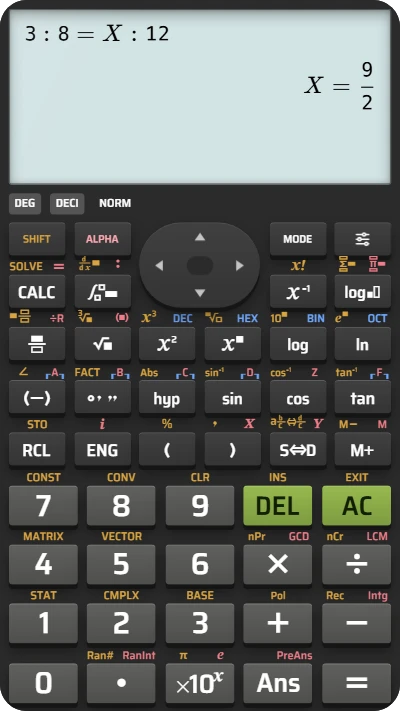
Find the missing term of a proportion in CalcES
Enter 3, 8 and 12 in Ratio to find the missing number in 3 : 8 = X : 12, then read it as a fraction or decimal.