Turn the Advanced keypad on or off
Choose whether to use the Advanced keypad and find functions without a key.
This article is not available in your language yet, so the English version is shown.
The Advanced keypad adds extra functions in key slots your calculator leaves blank. Every key stays where your calculator has it.
The Advanced keypad is on unless you have turned it off. The keys shown in this Guide are the Advanced keypad's.
Turn it on or off
- Tap Customize, the palette button at the right end of the row of indicators above the keypad.
- Tap Advanced keypad to turn it on or off. On keypads with extra labels, those labels change at once, while the menu stays open.
- Close the menu and carry on calculating. CalcES remembers your choice in this browser, including after a reload or in a new tab.
You can also open Settings, find Calculator model, then choose Off or On under Advanced keypad.
With the Advanced keypad off
For functions without a key, open the mode menu and choose More functions.
Turn the Advanced keypad back on whenever you want the extra functions again. Switching changes nothing you have stored: your variables, Ans, PreAns and history stay.
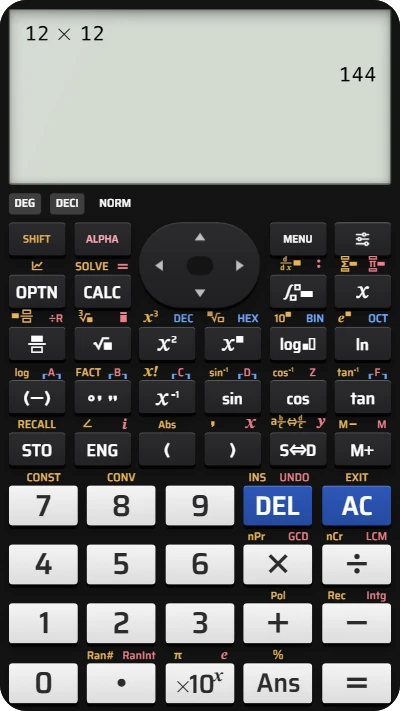
Turn the Advanced keypad on or off on your fx-991EX
Open Customize to change the Advanced keypad setting.