Calculate terms of a recurrence sequence on one line
Find successive terms of a recurrence and keep track of their term numbers using a two-statement CALC loop.
Artikel ini belum tersedia dalam bahasa Indonesia. Versi lengkap bahasa Inggris ditampilkan.
You know the first term and a rule for finding the next one. How can you calculate several terms without retyping the rule? For this example, find through :
Use to count the term number and to hold the current term . Enter two statements on one line:
The first statement increases the counter; the second doubles the current term and adds one. Start both and at .
Enter the recurrence and calculate the terms
Below each step is the screen you should see after pressing.
Next to each step is the screen you should see after pressing.
-
Step 1
Type . Use the keys shown for the equals sign (the equals key that runs a calculation does not type one) and for the colon, which separates the two statements. The completed line has no result yet.Press: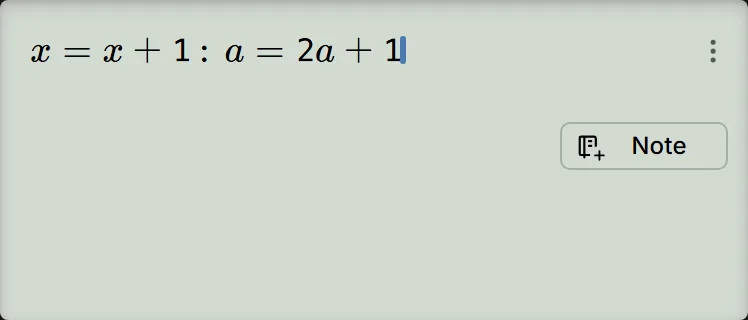
-
Step 2
Start CALC with the key shown. The prompt opens.Press: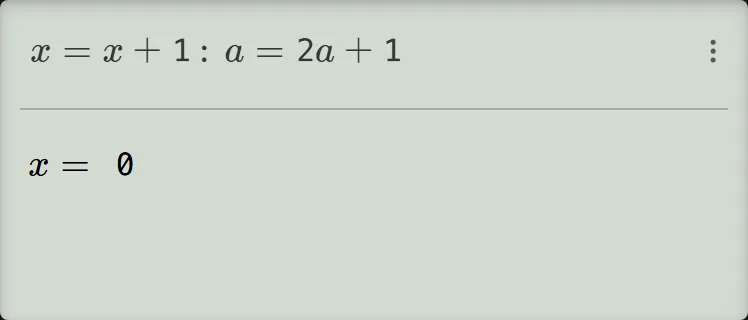
-
Step 3
Enter for and press the equals key, then enter for . The prompt now shows ; do not press the equals key yet.Press: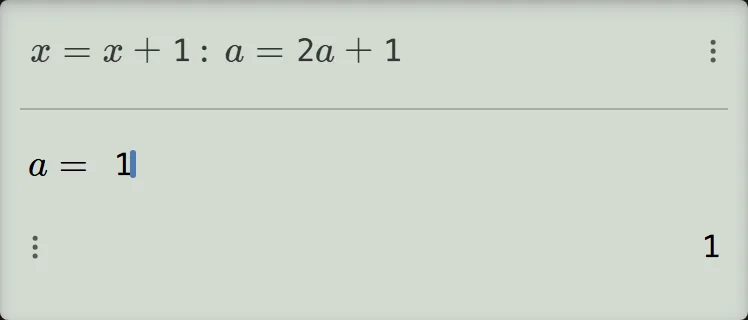
-
Step 4
Press the equals key twice. The first press shows ; the second shows . You have found .Press: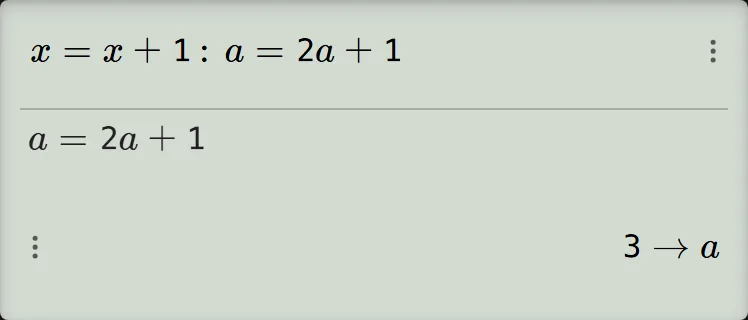
-
Step 5
Press the equals key four times, keeping the values shown at the and prompts. You pass through and finish at , so .Press: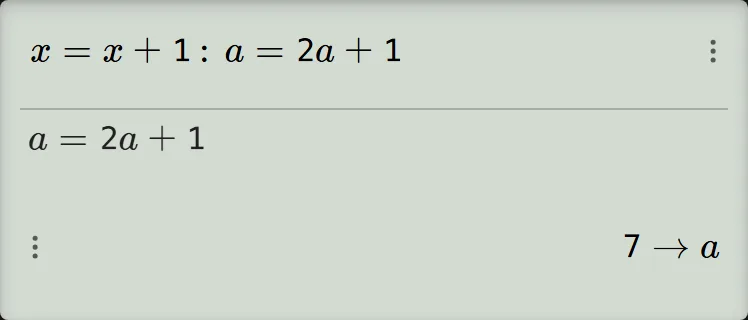
-
Step 6
Press the equals key eight more times to complete two more passes. Read , then for ; the final pass shows , then for .Press: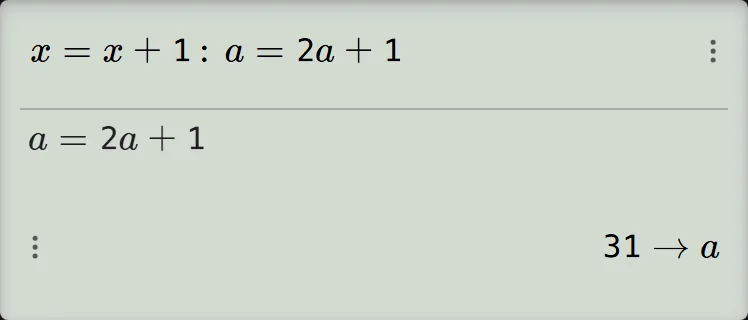
Read and check the terms
Read the number sent to as the sequence term and the number sent to as its position:
For example, means has been stored in . Check the last term by hand: .
After each completed pass, the next term takes four presses of the equals key: revisit , revisit , update , then update . Keep the prompted values to continue. The loop keeps cycling, so stop when you have the terms you need; AC leaves the loop and keeps the line.
For repetition without a counter, enter and press the equals key, then enter to make and press the equals key repeatedly for , one press per term.
If your result is different
- You do not get sequence terms: the equals key on the typed line does not start the loop. Start CALC as in step 2, then enter both starting values.
- The first pass shows and : a prompt keeps the value it shows when you press the equals key without typing, and a letter that was never set shows . At the prompts, type for and for to replace the shown values, then continue from step 4.
- A new run starts from the previous terms: the loop keeps the last stored values of and . Enter both starting values again to restart the example; you can check and change a stored variable afterwards.
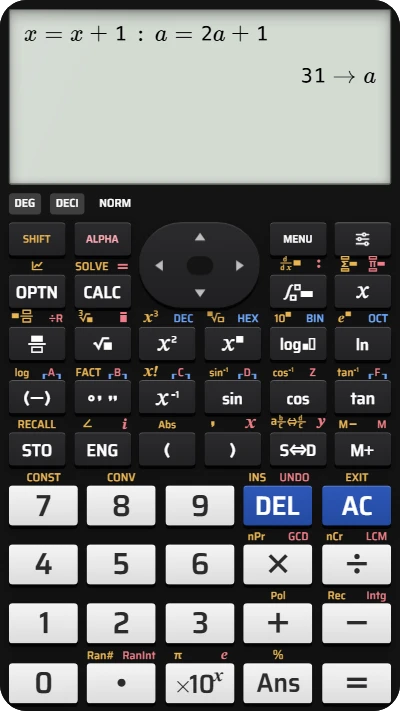
Calculate recurrence terms on your fx-991EX calculator
Start with x = 1 and a = 1, then run the two-statement CALC loop to find the fifth term, 31.