Use a scientific constant in a calculation
Insert the standard acceleration of gravity to calculate the weight of a 5 kg object.
บทความนี้ยังไม่มีฉบับภาษาไทย จึงแสดงฉบับภาษาอังกฤษทั้งบทความ
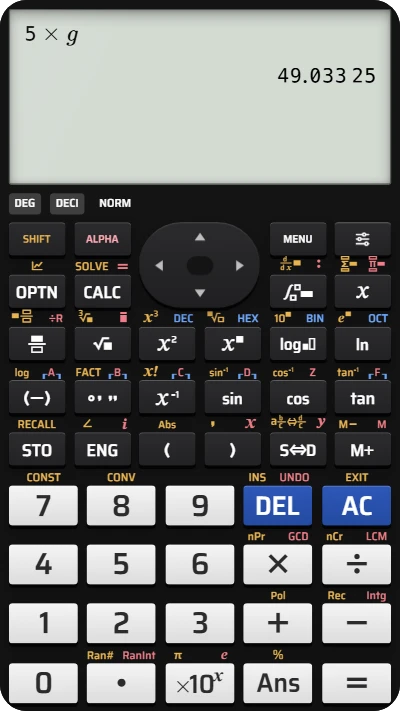
What is the weight of a 5 kg object? Use the calculator's stored value of the standard acceleration of gravity, , instead of typing its digits:
Here is the mass in kilograms. The Scientific Constant list gives .
Insert g and calculate the weight
Below each step is the screen you should see after pressing.
Next to each step is the screen you should see after pressing.
-
Step 1
Enter and the multiplication sign. The line shows .Press:
-
Step 2
Open Scientific Constant with the keys shown: SHIFT, then the key printed CONST above the 7. The list opens with Planck constant at the top.Press: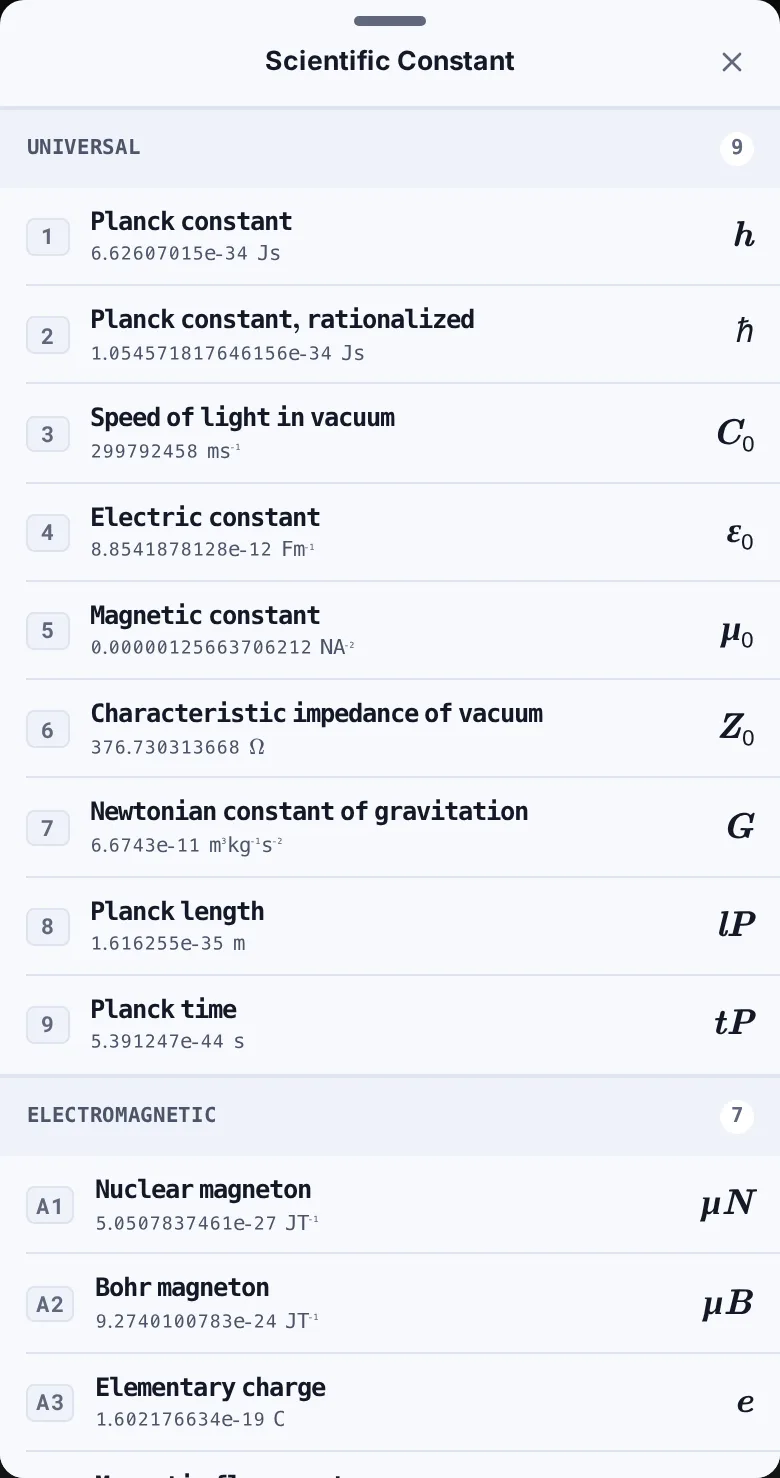
-
Step 3
Scroll down to Adopted Values. Find Standard acceleration of gravity, with the value and the symbol .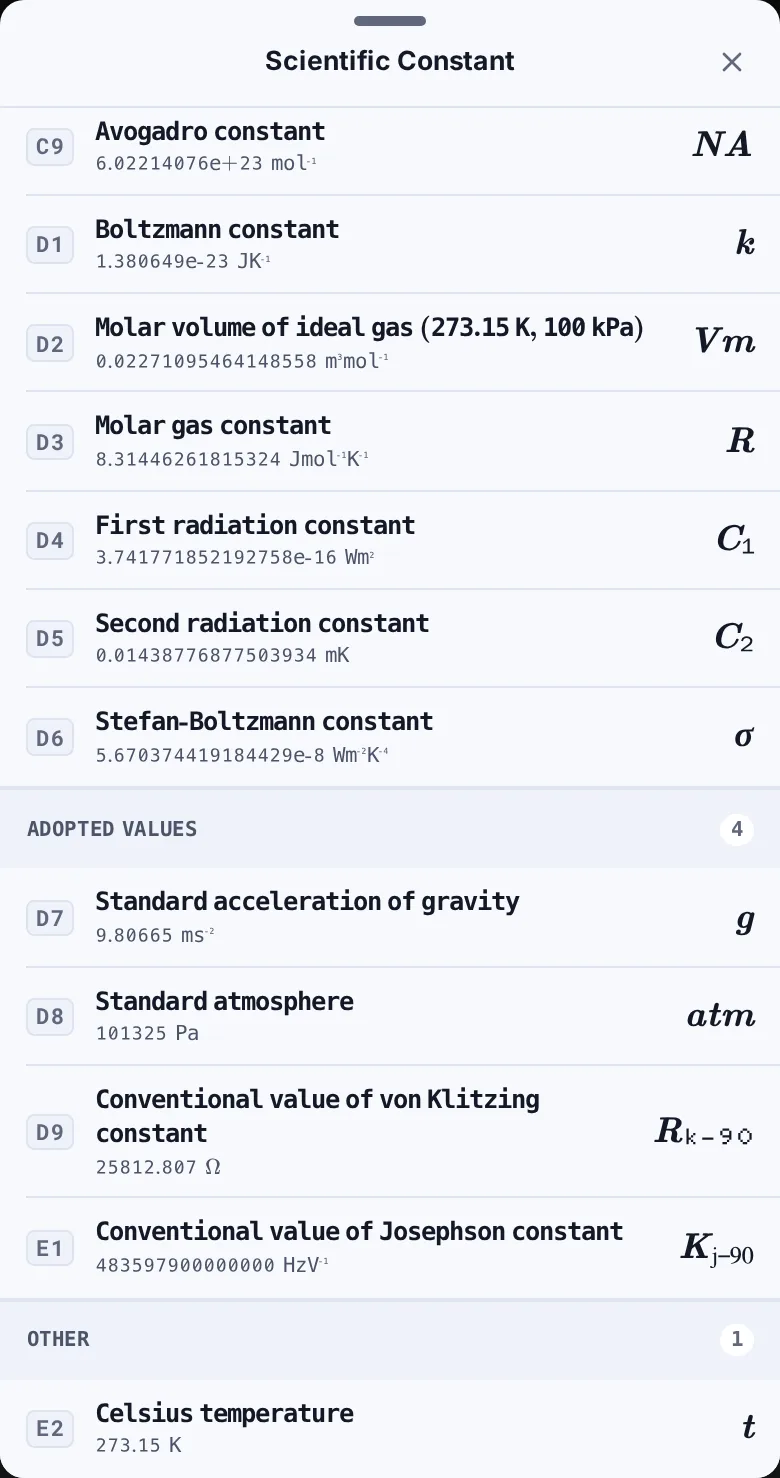
-
Step 4
Tap Standard acceleration of gravity. The list closes, the line shows , and the answer appears below it.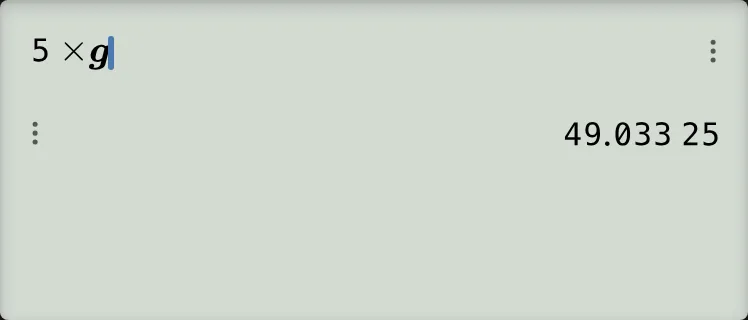
-
Step 5
Press the equals key to finish the calculation. The answer remains .Press: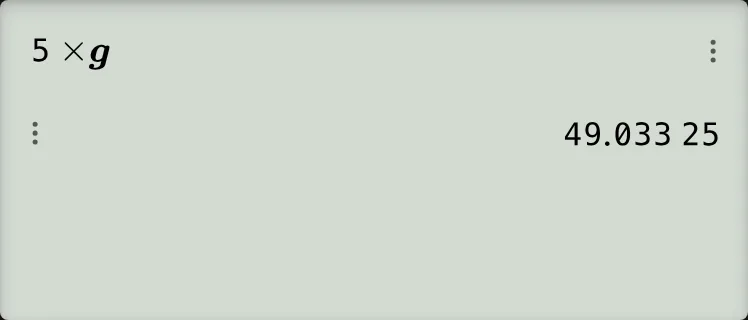
Read and check the result
The input shows the symbol , rather than replacing it with its digits. Check the answer using the value from the list:
The screen groups the decimal digits: means . Since the mass is in kilograms and the acceleration is in metres per second squared, the weight is 49.03325 N. The answer on the screen has no unit; write the newtons yourself.
Any other constant works the same way: pick its row instead of g. The list has 47 rows in six groups.
If something goes wrong
- Your exercise gives 49 or 50 N: it may use or . The list uses . Use the value specified in your question.
- You picked capital G: Newtonian constant of gravitation is a different row. For this calculation, choose Standard acceleration of gravity with a lowercase .
- You tapped the wrong row: press DEL once to remove the inserted constant, then reopen the list and pick again.
- You cannot find g: the list has no search field. Keep scrolling down to Adopted Values; the row's badge is D7 if badges are visible.
- You opened the list by mistake: tap the close button at the top right or press Esc on a computer keyboard. The list closes without changing your calculation line.
Use a scientific constant on your fx-991EX calculator
Pick the standard acceleration of gravity from the list and calculate 5 × g on your fx-991EX keypad.