Solve three linear equations in three unknowns
Enter the coefficients of three linear equations and verify x, y, and z.
Dieser Artikel ist noch nicht auf Deutsch verfügbar. Du siehst die vollständige englische Fassung.
When a linear-algebra exercise gives you three equations in , , and , the hard part on a coefficient-entry calculator is often putting each number in the right column. Use this system to practise:
Write each equation as . Enter its coefficients in the order , , , right-hand side. That gives the rows , , and . Larger systems, up to six unknowns, are entered the same way, one row per equation; the last section shows how.
Enter and solve the system
Below each step is the screen you should see after pressing.
Next to each step is the screen you should see after pressing.
-
Step 1
Open the mode menu and choose Equation, then, under Simultaneous, Solve system of equations with 3 unknowns. The three-row coefficient grid appears.Press: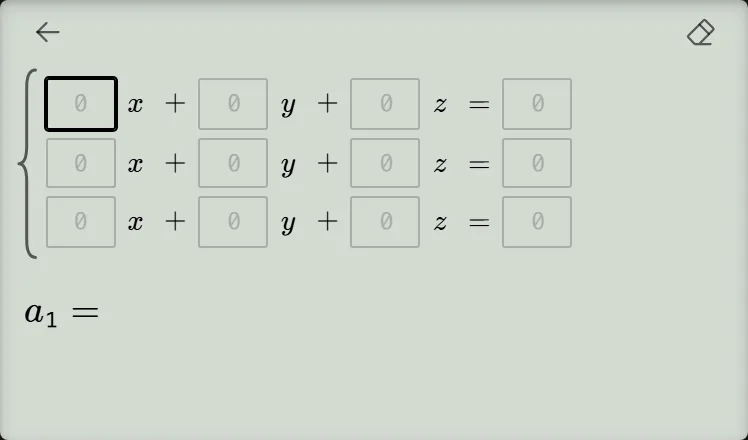
-
Step 2
Enter across the first row and across the second. Press the equals key after each number to advance one box.Press: -
Step 3
Enter across the last row. Confirm its last box with the equals key, then read all three results .Press: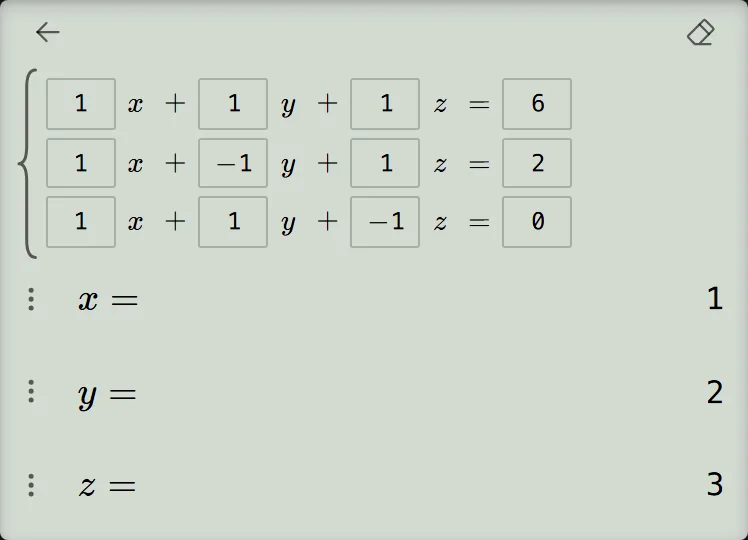
Verify all three equations
CalcES returns . Substitute the values back into every original equation:
If one check fails, inspect that equation's row, especially the sign in its or column. For work that requires an algebraic solution, use the displayed values to check your elimination or substitution steps rather than presenting the calculator output as the working.
Solve larger systems, up to six unknowns
Open the mode menu, choose Equation, then, under Simultaneous, select the row for the number of unknowns, such as Solve system of equations with 4 unknowns; the next rows are for 5 and 6 unknowns.
With unknowns, the grid has rows of boxes. Four unknowns are named ; larger systems use instead. A grid wider than the screen scrolls sideways to follow the box you fill.
Enter coefficients row by row, with the right-hand side last. Press the equals key after each box; confirming the very last box solves. For example, enter the four rows below in , right-hand-side order to get , , , . Results show one label and value per unknown, expanding the screen over the top of the keypad, with no Graph button.
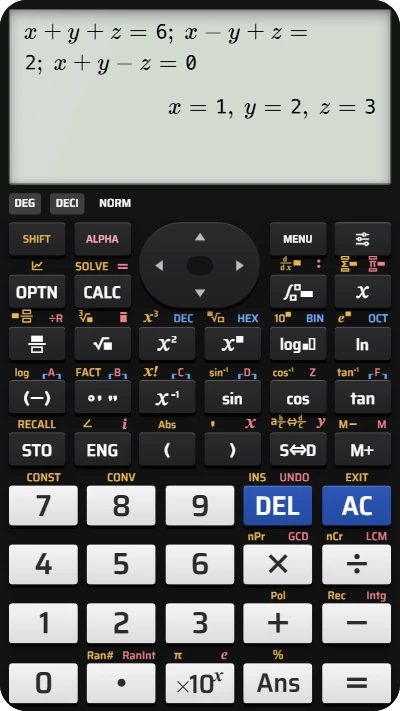
Solve a three-variable system on your fx-991EX calculator
Enter the coefficients of three equations and get x, y, and z together — the keypad is laid out like a Casio calculator.