Find the derivative at a point on a calculator
Evaluate a function's derivative at a chosen x-value to find the slope of the curve there.
This article is not available in your language yet, so the English version is shown.
You need the slope of a curve at a particular value of . This is the derivative at that point. For example, find for:
Enter the function and the point separately; the calculator gives the slope as a number.
Find the slope at x = 4
Below each step is the screen you should see after pressing.
Next to each step is the screen you should see after pressing.
-
Step 1
Open the Derivative sheet with the keys shown. It has two rows.Press: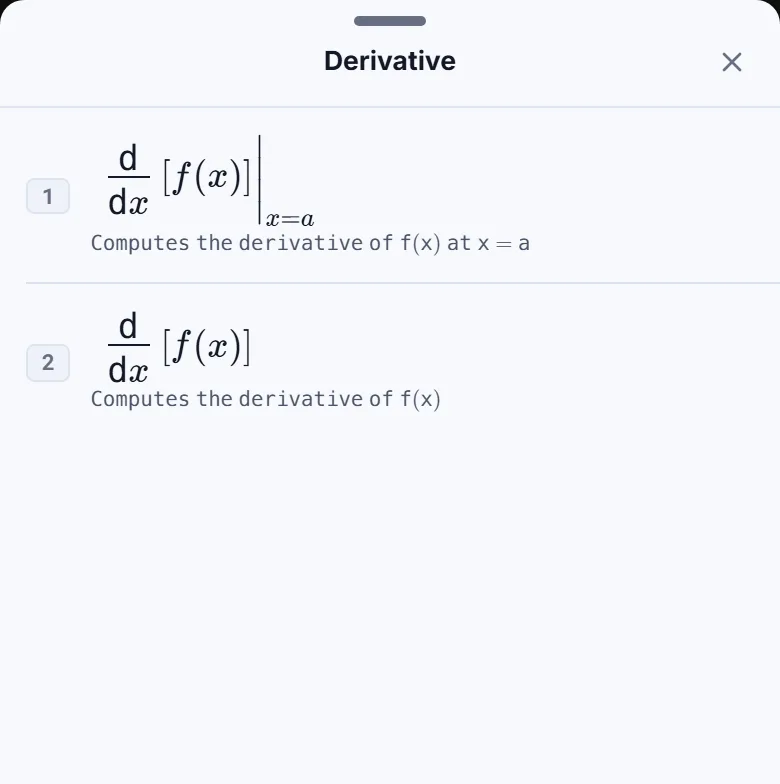
-
Step 2
Tap Computes the derivative of f(x) at x = a. The template appears with the cursor in the function box and an empty box.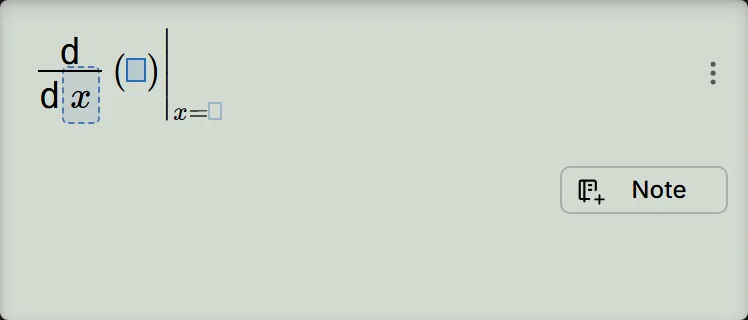
-
Step 3
Enter in the function box. Press the right cursor key once, then enter in the box. The answer appears below the expression.Press: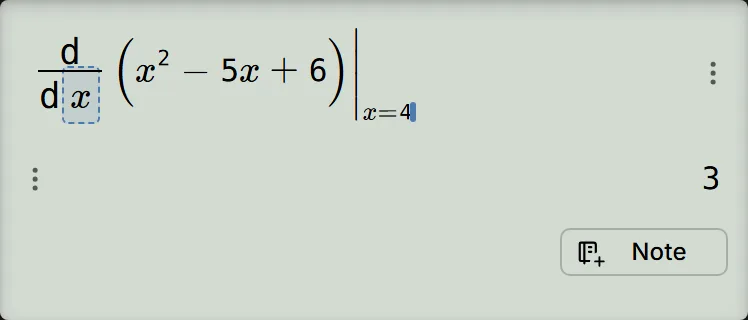
-
Step 4
Press the equals key to confirm. The result stays .Press: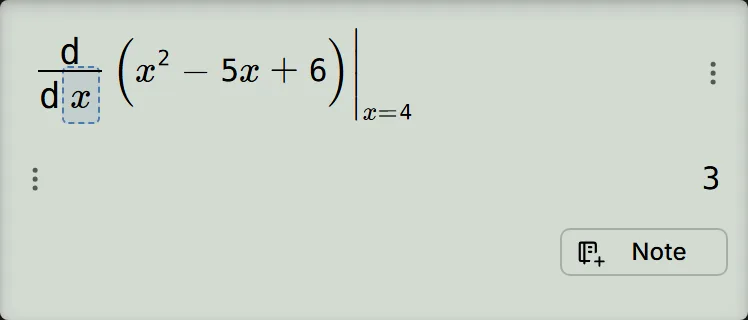
Read and check the result
The answer means : the curve has slope at . Check it by differentiating the polynomial:
In this example the answer already appears once both boxes are filled, before you press the equals key. For this integer result, there is no decimal line underneath.
If the point box is still empty
Pressing the equals key with an empty point box produces no answer or error. The cursor stays where it was, so typing the point there can add it to the function instead. After entering this example's function, press the right cursor key once to reach the point box, then type . Pressing right more than once can take you outside the template.
If your own function ends inside an open function bracket, such as , close the bracket first, then press the right cursor key once to reach the point box.
If a trigonometric derivative looks wrong
Check the angle unit. Tap the angle-unit chip below the screen to open Angle Unit Mode, choose RADIAN, then tap Confirm for the usual radian-based derivative. For example, the derivative of at is in radians, but in degrees. The polynomial example above gives in either unit.
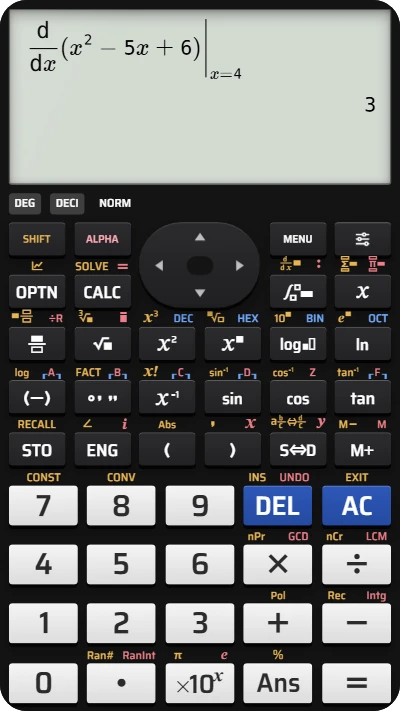
Find a derivative at a point on your fx-991EX calculator
Enter x² − 5x + 6 and evaluate its derivative at x = 4 to find the slope, 3.