Find the height of a normal curve at a value
Use Normal PD to find the normal probability density at a given value, mean and standard deviation.
Эта статья пока не переведена на русский. Показана полная английская версия.
Scores follow a normal distribution with mean and standard deviation . Find the height of the curve at , also called the normal probability density or normal pdf:
Find the density with Normal PD
Below each step is the screen you should see after pressing.
Next to each step is the screen you should see after pressing.
-
Step 1
Open the mode menu and tap Distribution.Press: -
Step 2
Tap the type name at the top of the screen to open the Select Type sheet.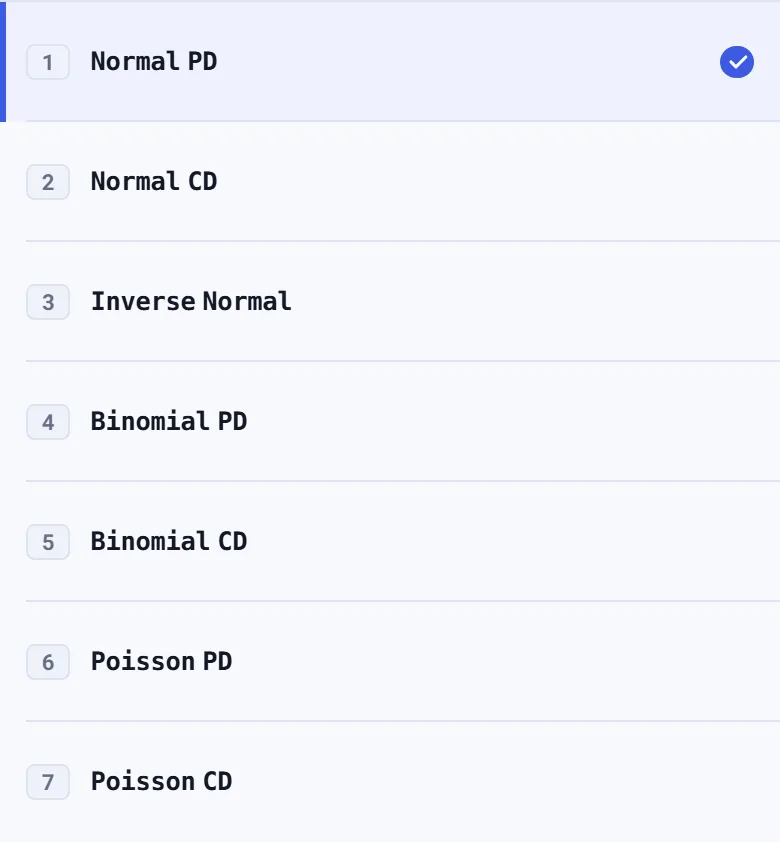
-
Step 3
Tap Normal PD; its row may already be checked. The parameter boxes appear with selected.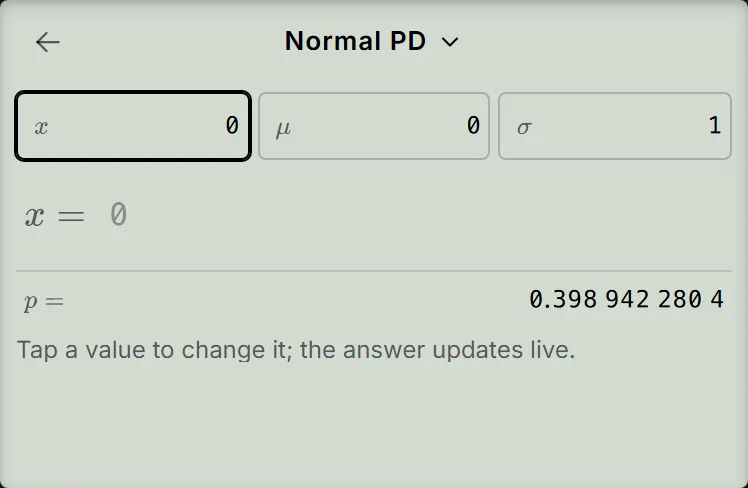
-
Step 4
Enter for and press the equals key, then enter for and press the equals key. Enter for . The result updates to ; you do not need to press the equals key after .Press: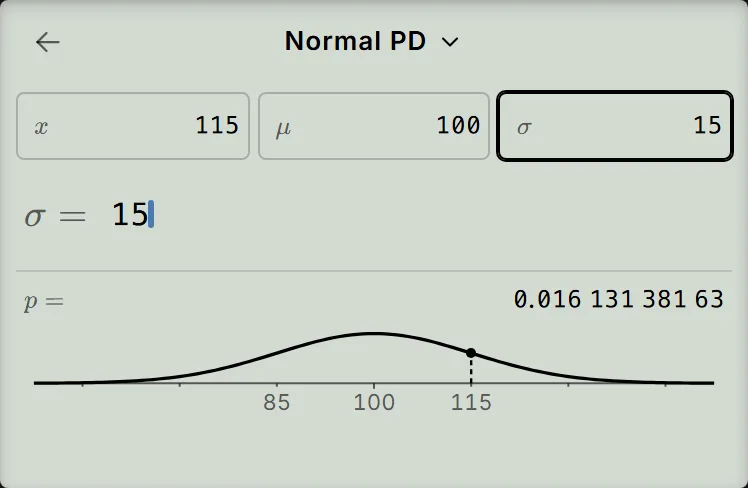
Read and check the height
The value row, labelled , shows . That is the height of the curve, so . On the curve picture, a dashed vertical line marks the height at .
This is a density, not a probability or a percentage. For a continuous normal variable, , and a density can exceed . To find the probability between two limits, use Normal CD instead: see find a normal probability.
To check the symmetry, tap the box, press AC once to empty it, then enter . It is the same distance from the mean as , so the screen shows the same height, .
If your result is different
- You see a value before entering the example: a fresh screen shows for , and . A returning screen can keep earlier values. Enter all three example values before reading the answer.
- The result becomes zero while you are typing: after entering for , the result is if and are still set. Finish entering and .
- The box is dashed and the result shows Argument ERROR: the standard deviation must be positive. Tap the box, press AC once to empty it, then enter .
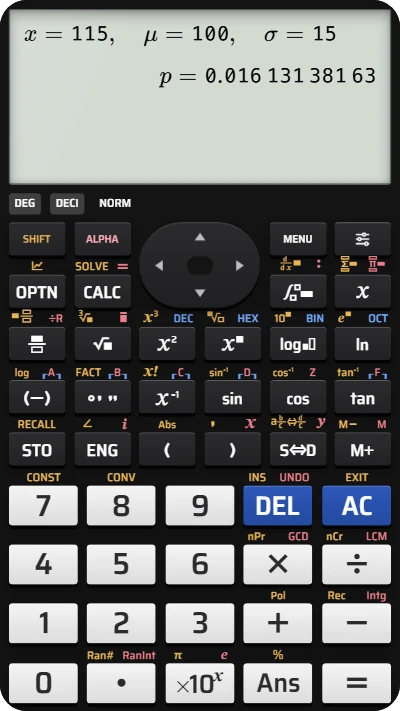
Find a normal curve's height on your fx-991EX calculator
Enter x = 115, mean 100 and standard deviation 15 in Normal PD to find the curve's height at 115.