Install CalcES on your phone for quick access
Add CalcES to your Android or iPhone Home Screen so you can open the calculator in one tap.
Эта статья пока не переведена на русский. Показана полная английская версия.
You can put a CalcES icon on your phone's Home Screen and open the calculator from there. You do not need to find CalcES in an app store. On your phone, open the CalcES calculator before following the instructions below, so the icon takes you to the calculator rather than to this guide. Use the named browser; an in-app browser inside another app may not offer the install option.
Android: use Chrome
- Open the calculator link above in Chrome on your Android phone.
- Tap Chrome's three-dot ⋮ menu next to the address bar, then choose Install and create shortcut. The label may differ with your Chrome version or language.
- Tap Install and follow the on-screen confirmation. Find the CalcES icon on your Home Screen or in your app list, then tap it to open the calculator.
iPhone: use Safari
- Open the calculator link above in Safari on your iPhone.
- Tap Share. Depending on your Safari layout, it appears directly in the toolbar or inside the page menu.
- Scroll down and tap Add to Home Screen. If it is missing, scroll to Edit Actions and add it to the Share menu.
- If Open as Web App appears, turn it on. Tap Add, then open CalcES using the icon on your Home Screen.
If you cannot find the install option
Check that the page is open in Chrome on Android or Safari on iPhone, rather than a browser inside a messaging or social app. Browser menus can change between versions. For the current menu path, see Chrome's Android instructions or Apple's iPhone instructions.
Installing the icon makes CalcES easier to return to. It does not guarantee that every calculation works without an internet connection.
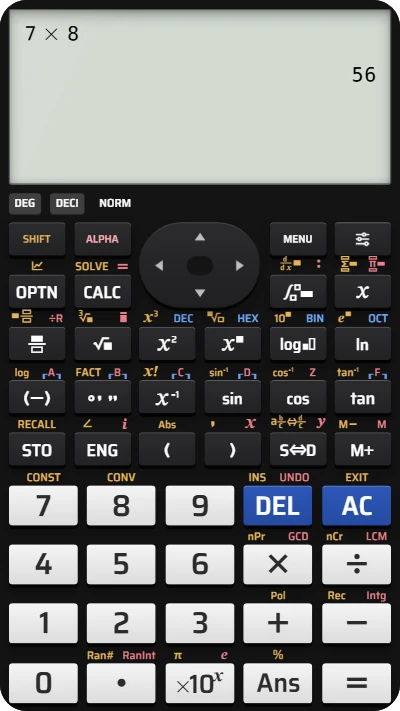
Open your fx-991EX calculator right from your phone
Install CalcES on your Home Screen and get a quick calculation like this in one tap — free, no app store needed.